
Video
Without
Limits. — AI Video Editor for Reels, Shorts & YouTube
Edit Reels, Shorts and YouTube videos in your browser: word-by-word captions in Hindi, Hinglish and English, Hindi ↔ English dubbing, and every size in one export.
Free plan, no card neededRuns in your browser

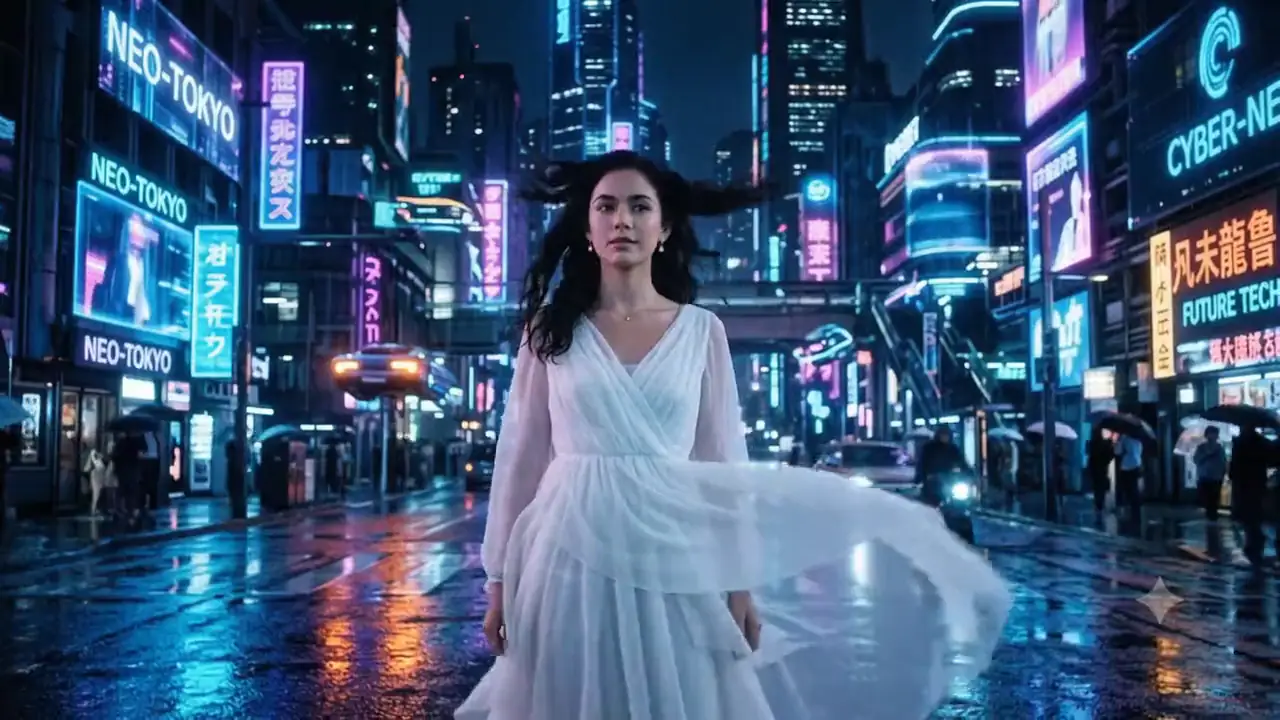
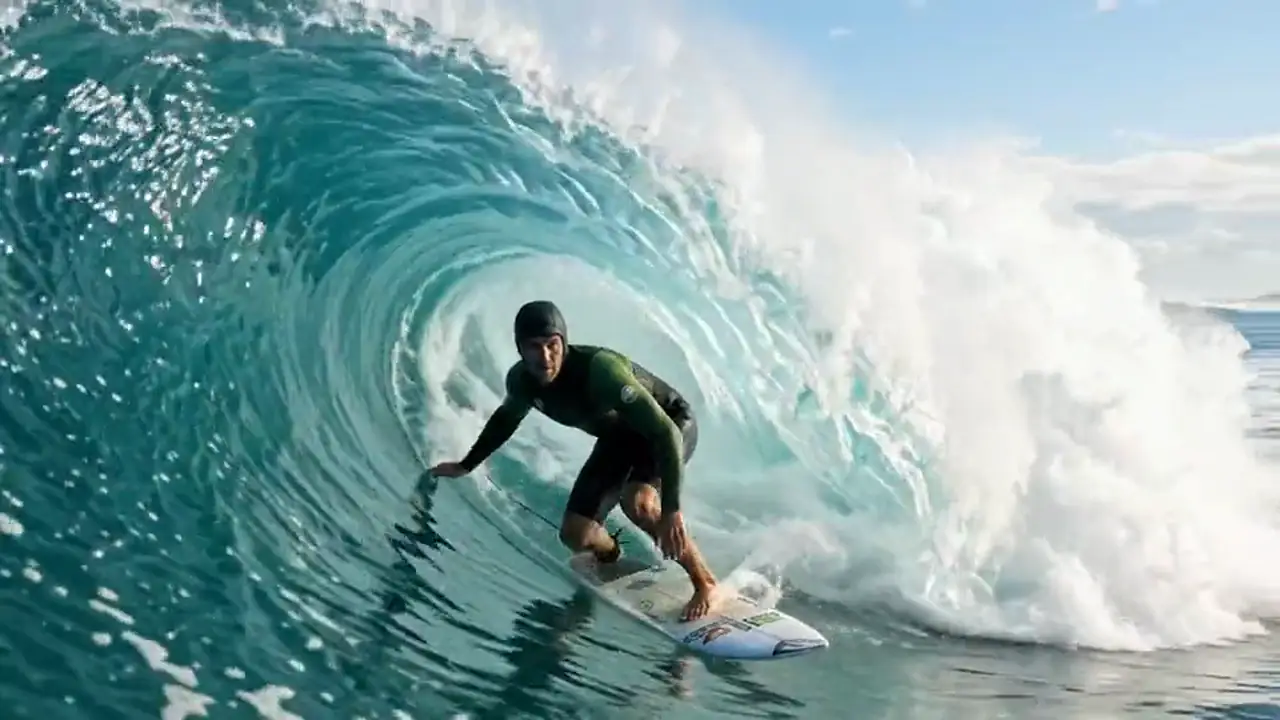
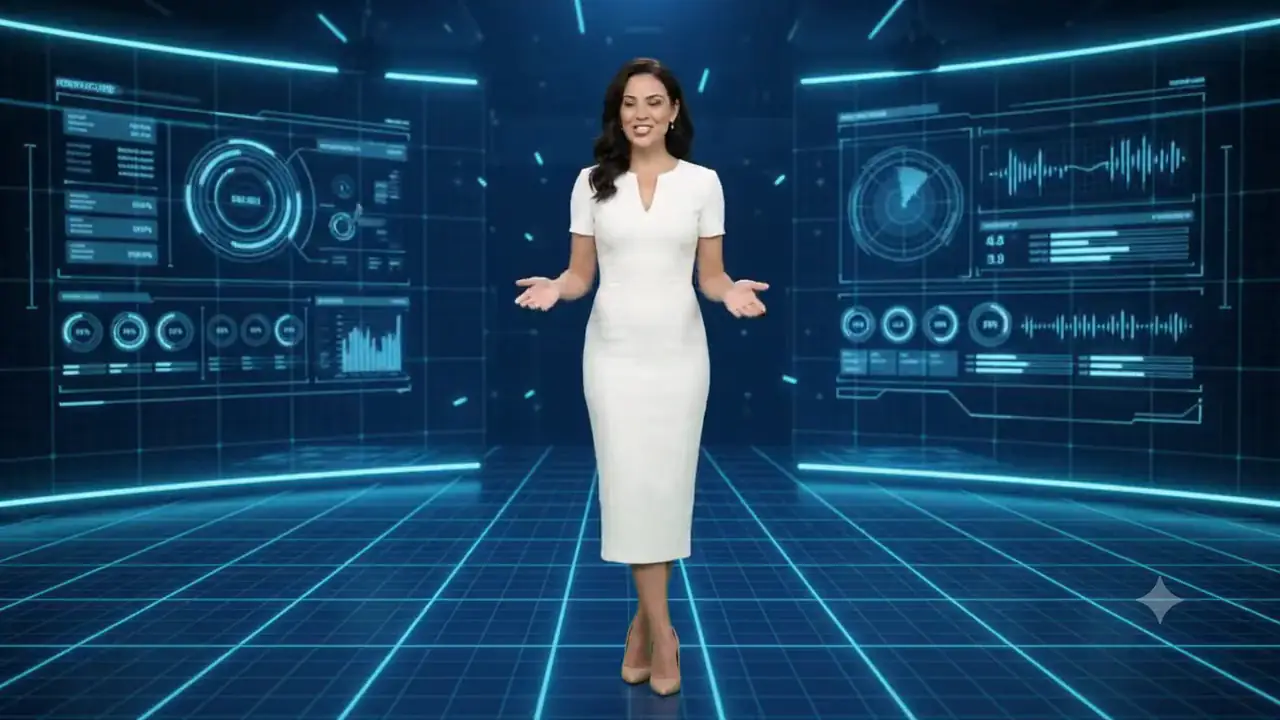
- Ultra Fast
- Any Format
- Transparent Video
- AI Powered
Every Tool. Every Feature.
Crafted For Unstoppable Creators.
Non-linear editing precision, real-time WebGL chroma keying, and Gemini AI audio ducking. Hover for 3D spotlight or click any tool to inspect full specifications.
Audio & Music Library
Royalty-free soundtracks and SFX with instant hover waveform preview.
Stock & Media Library
Curated stock videos, photos, and royalty-free audio tracks with 1-click timeline drop.
AI Cutout & Chroma Key
Real-time green-screen removal with pixel-zoom eyedropper magnifier.
Transparent Web Avatars
Dual-stream WebM & QuickTime MOV export with 1-click HTML embed.
Smart Audio Ducking
Auto-ducks background music when speech begins using FFmpeg.
Computer Vision Tracking
Duration-bounded object tracking with 3D perspective skew warping.
Precision Multi-Track NLE
Sub-frame accurate timeline with J/K/L shuttle and magnetic snapping.
Detach & Attach Audio
1-click extraction of video audio into track with volume memory.
Split Clip & Ripple Delete
Instant razor blade slicing at playhead with gapless auto-closing.
Starting Clip Trimming
Google Vids-style handle drag with live cursor frame stream.
Broadcast Lower Thirds
Animated television-grade name banners and speaker badges.
Breaking News Ticker
Live scrolling alert banner with speed controls and text editing.
4K Camera Viewfinder HUD
Cinema HUD with blinking REC indicator, SMPTE timecode, and grid.
Cinematic 30+ LUTs
GPU-accelerated color grading presets and film look curves.
AI Voiceover Studio
Natural multi-voice speech synthesis powered by Google Gemini.
AI Highlights Generator
Auto-extracts viral 9:16 vertical shorts with animated subtitles.
Silence Detection Cut
Scans audio for dead air and applies 1-click jump cuts across tracks.
Universal Command Palette
Fuzzy search palette to execute any tool or setting with Cmd+K.
Local-First NVMe Storage
100% privacy with zero cloud upload via File System Access API.
Apple VideoToolbox Export
Hardware-accelerated 4K 60FPS export on Apple Silicon engines.
Multi-Format Aspect Ratios
1-click switching between 16:9 Cinema, 9:16 Shorts, and 1:1 Square.
Track Security & Solo
Independent layer visibility and track locking to protect finished edits.
Engineered For Every Dimension Of Video
Real-time alpha cutouts, neural video synthesis, multi-layer overlays, and cross-platform format mastering.
Remove backgrounds. Perfect overlays.
Turn studio green-screen footage into floating presenters. Drag slider to reveal transparent alpha cutout.
Combine videos, images and avatars
Combine videos, images and avatars with real-time preview, layer ordering, and hardware blend modes.
Track objects, blur areas
Automated neural object tracking. Attach text, graphics, or apply privacy blur to moving license plates and faces in real time.
Generate, review and refine
Describe a shot and AI generates a 4–8 second high-definition video clip with sound directly on your timeline. Experience real video synthesis below.
Any Format. Any Platform.
Export once, master everywhere. Automatic reframing, lossless bitrate adaptation, and transparent web embeds.
Compare multiple versions side by side
Synchronized dual playback. Compare original raw camera log footage with master cinema color grading in real time with zero frame-drift.
Engineered For Every Workflow.
From Solo Creators to Studios.
Explore how professional video creators, web developers, newsrooms, and digital brands use ViPlay Studio to accelerate production.
Content Creators & YouTubers
Cut, caption and resize for every platform without leaving the browser.
More Than
Playback.
A powerful video player built for creators, developers and modern video experiences. Every layer operates independently on hardware GPU buffers.
4K zero-latency GPU decoding pipeline with HDR color
Web avatar transparency & real-time motion tracking HUD
Frame-accurate scrubbing & J/K/L keyboard transport
Multi-track timeline with cut points and frame trims
Smart dialogue ducking & frequency spectrum analysis
F12F24F36F48F60F72F84F96Jumpstart With
Studio Master Templates.
Pre-loaded multi-track timelines with audio ducking, broadcast camera HUDs, and 4K color grade LUTs. Hover to preview video stream.
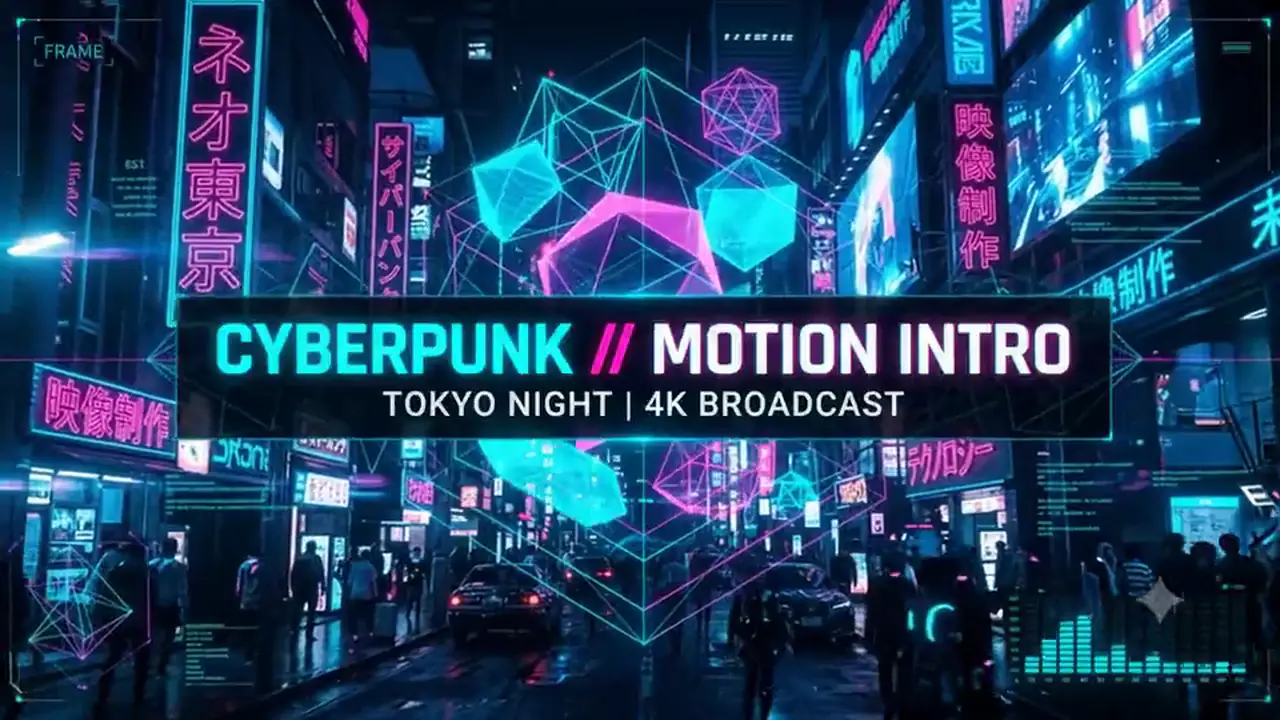
Cyberpunk 4K Intro
3 Video • 2 Audio • HUD Matrix
Global Tech Hologram
2 Video • 1 Alpha • 48kHz Audio
Breaking Newsroom Live
Lower Third • Ticker • REC HUD
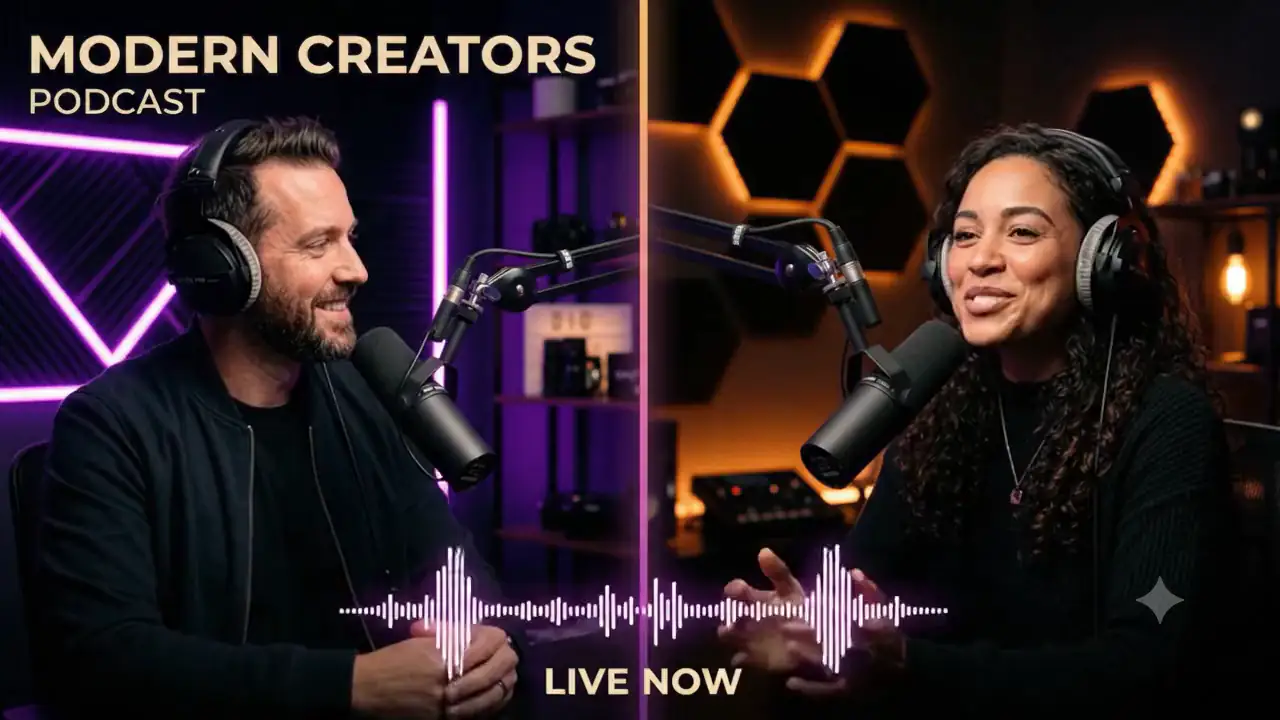
Podcast Split Screen
Smart Audio Mix • Waveform VU
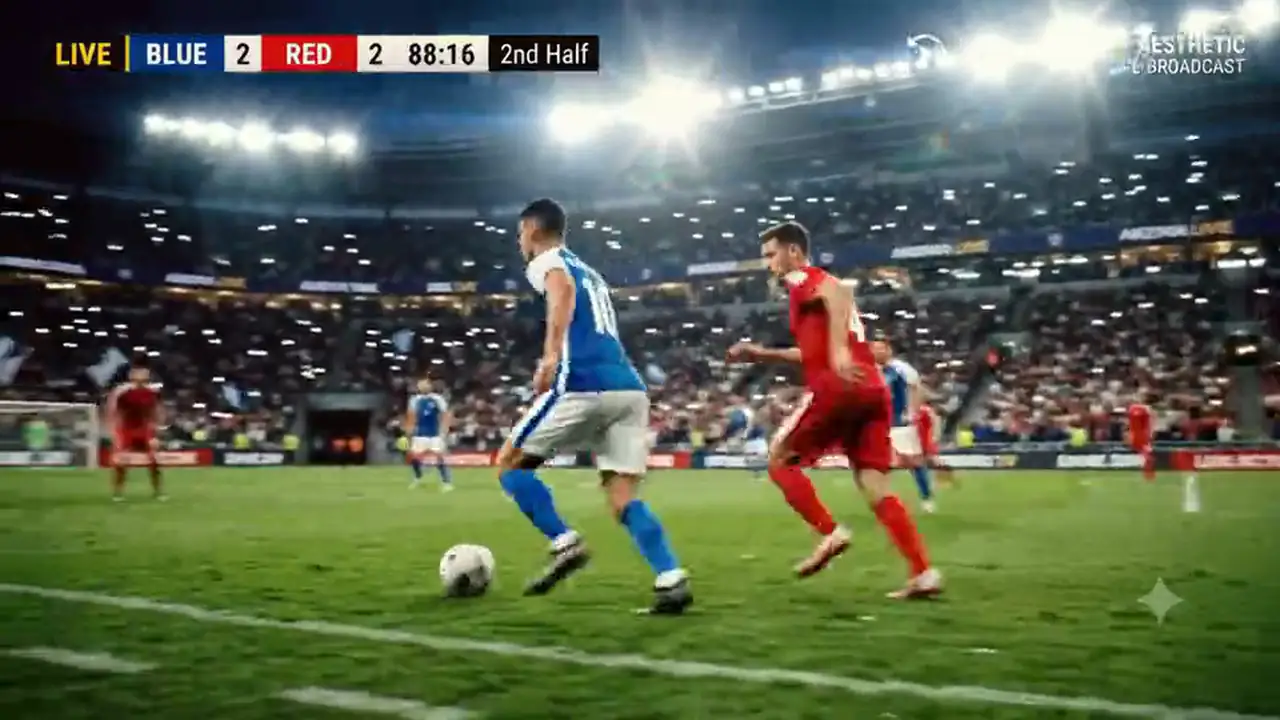
Sports Arena Broadcast
Motion Tracker • Scoreboard HUD
Viral Vertical Reels
Kinetic Subtitles • Sound FX Audio
Simple, Transparent Plans for Every Creator.
Upgrade, change or cancel anytime. Prices in ₹ with GST invoices. Your source files stay in your own storage; AI features send only what they need, when you click them.
Free Tier
Ideal for beginners and hobbyists creating quick video clips.
- 720p Export
- Standard Transitions & Effects
- 1 Active Device Session
- Local-first .VDO storage
Weekly Pro
Short-term access for fast turnaround projects and event editing.
- Up to 4K 60fps Export
- 720p Fast Proxy Editing
- Full AI Suite (Voiceover & Subtitles)
- 2 Active Device Sessions
- No Watermarks
- Priority support
Monthly Pro
Our most popular plan for digital creators, YouTubers, and freelancers.
- Up to 4K 60fps Export
- Transparent VP9 WebM Alpha Export
- Fast Proxy Editing & OPFS Cache
- 250 AI Studio Credits per month
- 2 Active Device Sessions
- Automatic Audio Metering & Limiting
- Custom Brand Kits
Annual Studio
Maximum power and savings for production studios and professional editors.
- Everything in Monthly Pro
- 4 Active Device Sessions
- 3,500 AI Studio Credits annually
- Parallel-Track Multicam Editing
- Priority support & early access
- Dedicated Technical Support
- Save over 33% annually
Your Videos Deserve a
Powerful Local-First Studio.
Experience real-time alpha video playback, 4K scrubbing, and full NLE studio composition right in your browser.
Live Timeline Preview
Built-in real-time media engine with native VP9/ProRes alpha transparency, frame-accurate stepping, and GPU-accelerated shaders.
- ✓ Frame-accurate scrubbing and playback
- ✓ Transparent alpha checkerboard backdrops
- ✓ Social media safe area guides
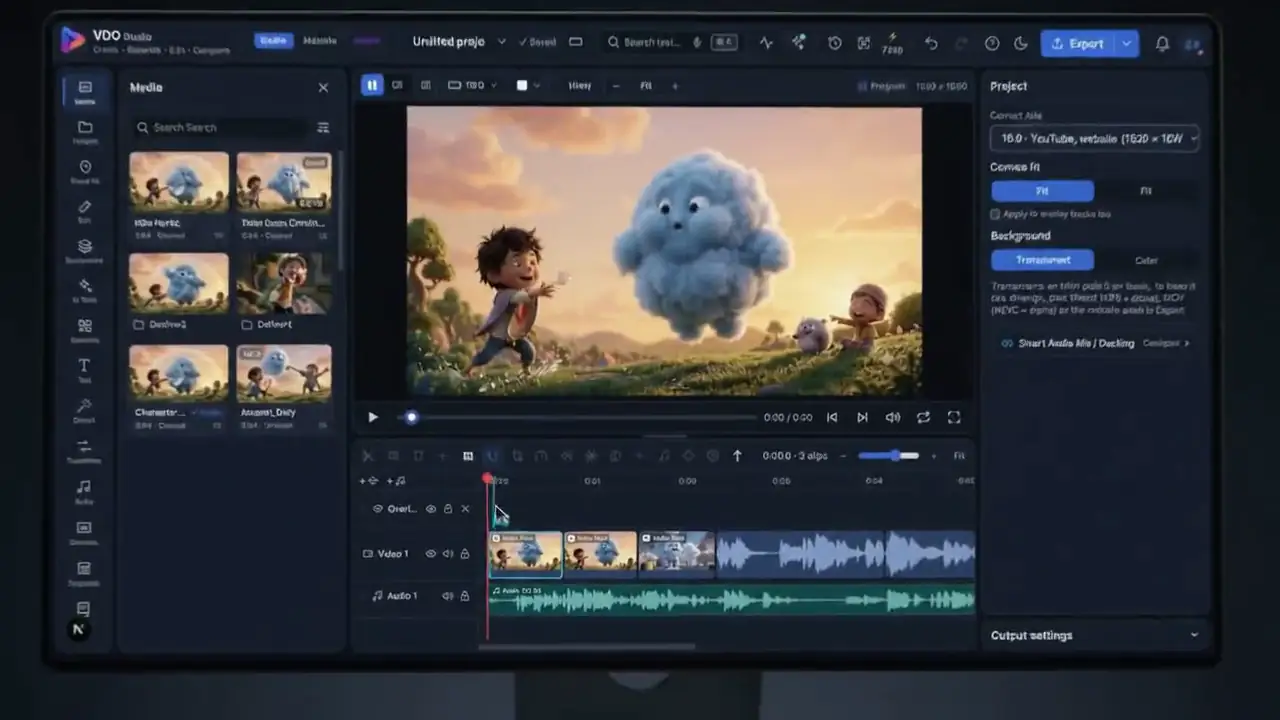
ViPlay Studio Editor
Full-featured local-first non-linear video editor with multi-layer timeline, smart dialogue ducking, and motion tracking.
- ✓ Multi-track video, overlay & audio timeline
- ✓ Smart automatic audio ducking
- ✓ Fast hardware export on Mac (Apple VideoToolbox)
Questions, answered
Is there a free plan?
Yes. The Free plan costs ₹0 with no card: 10 AI credits a month, 720p and 1080p export, on one device. Paid plans add 4K, more AI credits and more devices, each with a free trial.
Does it work in Hindi and Hinglish?
Yes. Auto captions understand Hindi (written in Devanagari), Hinglish (Hindi in English letters), English and 18 more languages, including Bengali, Tamil, Telugu, Marathi, Gujarati, Kannada, Malayalam, Punjabi and Urdu. Dubbing turns Hindi into English and back, in a natural voice.
Are my videos uploaded to the cloud?
Your source files stay in your own storage, and editing and exporting happen there. Only the AI features (captions, dubbing, generation) send what they need, such as the clip's sound or your words, to Google, and only when you click them.
Do I get a GST invoice?
Yes. Prices are in ₹ plus 18% GST, and every payment has an invoice in your account under Billing.
Can I cancel anytime?
Yes, from Billing in your account. Your plan keeps working until the end of the period you paid for.
What is a transparent web avatar?
A green-screen or AI-generated presenter video with the background removed, exported for websites as WebM (Chrome, Android) and MOV (Safari, iPhone) together with ready-to-paste embed code, so it floats over your page in every browser.
Everything You Need
To Build With ViPlay Studio.
Documentation, dual-stream transparent video embed generators, hardware acceleration specs, and community templates.
Dual-Stream HTML Embed Snippet
The embed code for a see-through video avatar: MOV (HEVC alpha) for Safari and iPhone, WebM (VP9 alpha) for Chrome and Android.
Start from a template
News, podcast, sports, Reels and YouTube templates that open straight in the editor, ready to change.
Questions & answers
Free plan, Hindi and Hinglish captions, privacy, GST invoices and cancelling, answered plainly.
What's new & coming
Every feature, what is ready today and what is in Beta or coming next, on one honest page.